Pino Logging

Next.js application pre-configured with Pino logger.
boilerplate.detail.metadata.lastUpdated
il y a 4 mois
boilerplate.detail.metadata.author
Renaudboilerplate.detail.metadata.price
boilerplate.detail.metadata.free
npx boilerapp pino-loggingDocumentation
This is a Next.js project bootstrapped with create-next-app.
You'll find various logging examples from the client and the server with console, only pino and pino-logflare.
You can get client and server side logs going to Logflare from one logger interface with the config found here:
https://github.com/Logflare/next-pino-logflare-logging-example/blob/main/logger/logger.js
Deploy with Logflare on Vercel
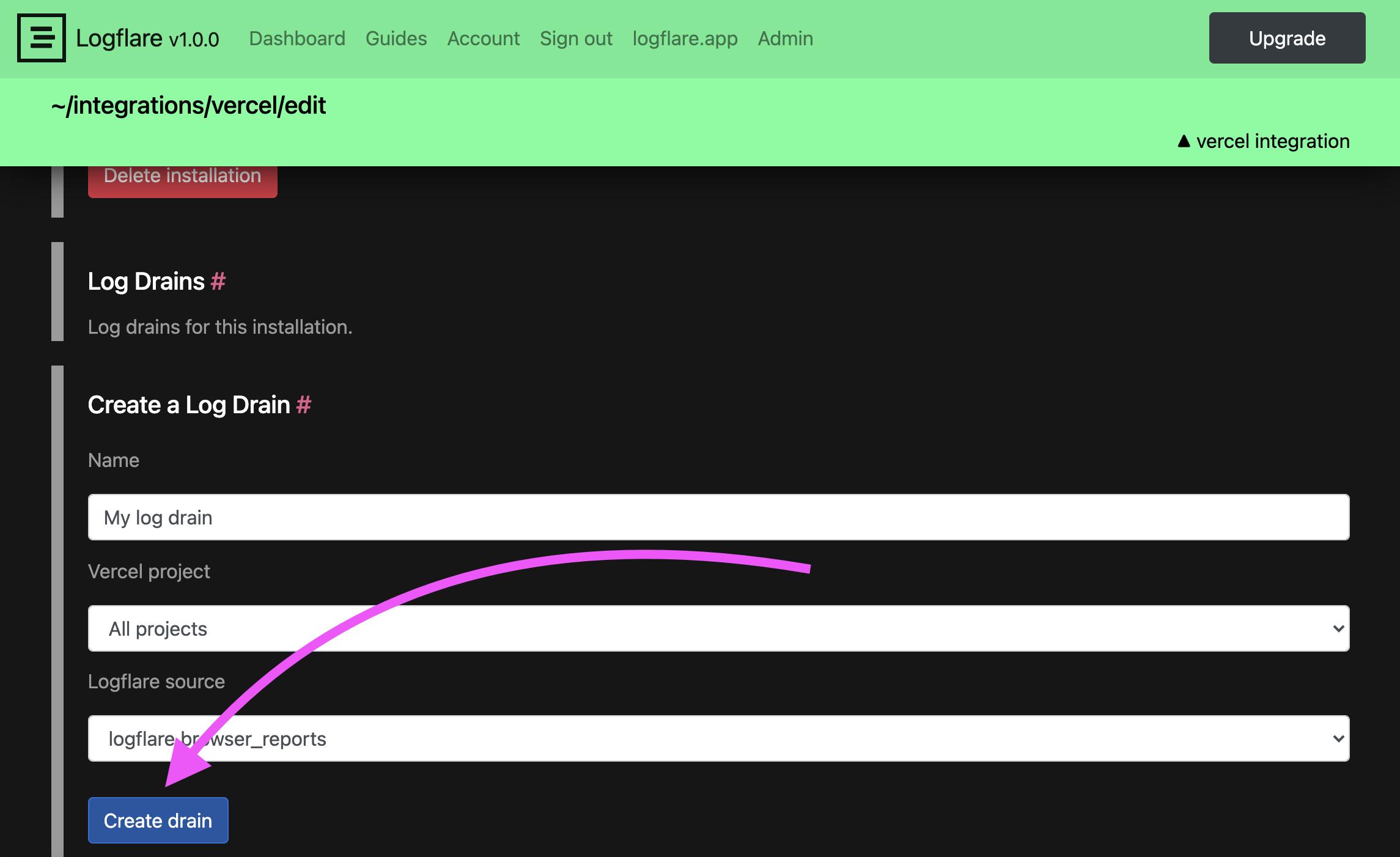
Setup a Log Drain
When you deploy from here, it will make you setup the Logflare integration. This does not automatically setup a log drain for you. Visit your Logflare account and setup a log drain.
Manage your log drains with Logflare ➡️
Server Side Logging
Explore various ways to log data and errors from the server side:
https://github.com/Logflare/next-pino-logflare-logging-example/tree/main/pages/api
Client Side Logging
When setup pino-logflare will send your cient-side logs to Logflare as well:
https://github.com/Logflare/next-pino-logflare-logging-example/blob/main/pages/index.js